Bitcraft
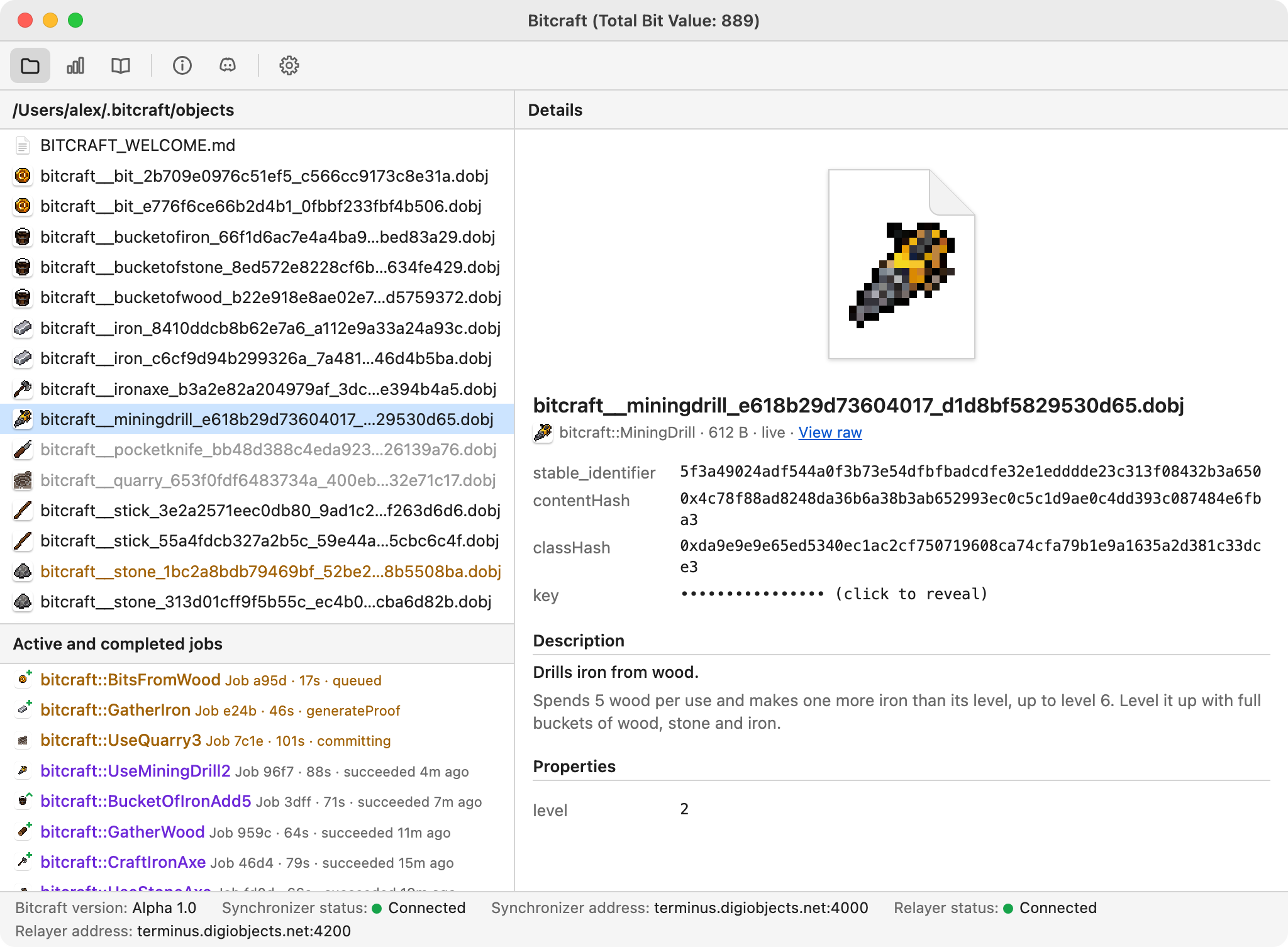
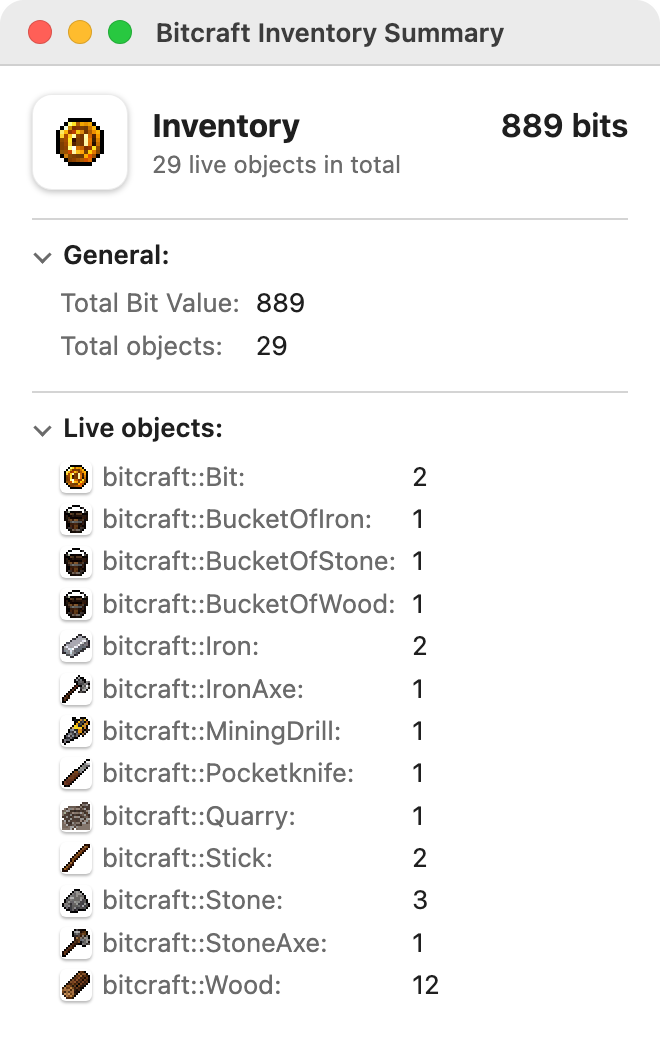
Announcing Bitcraft, a decentralized factory-building game where you and your agent automate production chains of cryptographic resources to trade with other players.
Installation
The first launch builds Bitcraft’s proving cache and can take several minutes. Later launches are quick. Bitcraft needs about 2 GB of disk; 4 CPU cores and 8 GB of RAM are recommended.
Install with Agent
Paste this prompt into Claude Code, Claude Desktop, Codex, or any agent that can run commands on your computer:
Install the Bitcraft desktop app on this computer.

1. Find the newest release of https://github.com/dobjlabs/digital-objects-network that includes Bitcraft installers, using https://api.github.com/repos/dobjlabs/digital-objects-network/releases. Prefer a full release over a prerelease. Installers are named bitcraft-<version>-<target>.<ext>.
2. Pick the installer for this machine:
   - macOS on Apple silicon: aarch64-apple-darwin.dmg
   - macOS on Intel: x86_64-apple-darwin.dmg
   - Windows x64: x86_64-pc-windows-msvc.exe
   - Linux x86_64: x86_64-unknown-linux-gnu.AppImage
3. Download it and install it:
   - macOS: mount the .dmg, copy Bitcraft.app into /Applications, then unmount it.
   - Windows: run the installer. It installs per-user and needs no administrator rights.
   - Linux: move the AppImage to ~/Applications (create it if needed) and make it executable.
4. Launch Bitcraft. Tell me that the first launch builds a proving cache and can take several minutes.

Show me which file you downloaded and where you installed it.
Download Installer Manually
-
bitcraft-<version>-aarch64-apple-darwin.dmg
- For Macs with Apple silicon (Apple menu → About This Mac shows “Chip: Apple M…”).
- Open the .dmg and drag Bitcraft into Applications.
-
bitcraft-<version>-x86_64-apple-darwin.dmg
- For Macs with an Intel processor.
- Open the .dmg and drag Bitcraft into Applications.
-
bitcraft-<version>-x86_64-pc-windows-msvc.exe
- For 64-bit Windows 10 and 11.
- Run the installer. It installs for your user only, so no administrator rights are needed.
- If SmartScreen says “Windows protected your PC”, click More info → Run anyway.
-
bitcraft-<version>-x86_64-unknown-linux-gnu.AppImage
- For x86_64 Linux.
- Make it executable with
chmod +x bitcraft-*.AppImage, then run it.
Checking for the latest release…
Build from Source
Bitcraft lives in the Digital Objects Network repository,
under apps/bitcraft.
- Install rustup (it picks up the repository’s Rust toolchain), just, Python 3, and Node.js 22 or newer.
- Install the Tauri prerequisites for your platform: Xcode command line tools on macOS, MSVC build tools and WebView2 on Windows. On Ubuntu:
sudo apt install libwebkit2gtk-4.1-dev libappindicator3-dev librsvg2-dev patchelf file - Clone the repository and launch the app:
git clone https://github.com/dobjlabs/digital-objects-network.git cd digital-objects-network just bitcraft-dev - To build an installer for your platform instead, run
just bitcraft-bundle.